
Diwali Online Store Automation: Manage Festive Orders, Payments and Notifications
Diwali is one of the busiest shopping periods for many online businesses in India. Customers explore festive collections, purchase gifts, order home décor, compare special offers and look for convenient delivery options. As order volumes increase, e-commerce businesses must manage payments, inventory, customer enquiries and dispatch activities without creating delays or confusion.
Handling every task manually can become difficult during a high-demand period. Staff may need to verify payments, update stock, send order confirmations, coordinate deliveries and respond to customer questions simultaneously. Without a structured process, businesses may experience missed orders, incorrect inventory information, delayed notifications and avoidable customer dissatisfaction.
This is where Diwali online store automation becomes valuable. By connecting an e-commerce website with suitable payment gateways, inventory systems, order management tools and communication platforms, businesses can automate repetitive activities and improve operational efficiency.
A well-planned automation system helps businesses manage festive orders more accurately, keep customers informed and provide a smoother shopping experience. It also allows teams to spend less time on repetitive administration and more time on customer service and business growth.
1. Understand the Importance of Online Store Automation During Diwali
Online store automation refers to using software integrations and predefined workflows to complete routine e-commerce activities with limited manual intervention. These activities may include order confirmation, payment status updates, stock adjustments, invoice generation and delivery notifications.
During Diwali, the number of incoming orders can increase significantly for businesses selling gifts, clothing, electronics, sweets, home décor and other festive products. Processing every order manually may put pressure on staff and increase the possibility of errors.
Automation helps create a consistent process from the moment a customer places an order until the product is delivered. For example, when a customer completes a purchase, the system can record the order, update inventory, initiate confirmation messages and notify the fulfilment team.
However, automation should be designed around actual business requirements. A small store may only need payment confirmation and stock updates, while a larger e-commerce business may require advanced order routing, warehouse coordination and customer communication workflows.
The goal is not to automate every activity unnecessarily. It is to identify repetitive tasks that can be handled reliably through technology and build a system that supports the business during busy festive periods.
2. Automate Order Processing and Management
Order processing is one of the most important areas to automate in an online store. When customers purchase products, the website should capture the order details accurately and make them available to the team responsible for fulfilment.
An automated order management workflow can record product selections, quantities, customer information, delivery addresses and payment status. It can also assign an order number and organise purchases according to their processing stage.
Useful order automation features include:
- Automatic Order Creation: Record customer purchases in the store's order management system immediately after checkout.
- Order Status Updates: Move orders through stages such as processing, packed, dispatched and delivered.
- Invoice Generation: Generate invoices or order documents using the correct customer and purchase details.
- Fulfilment Notifications: Inform the relevant team when a new order requires processing.
- Order Filtering: Organise orders by date, payment status, delivery method or fulfilment priority.
For businesses handling large festive catalogues, a centralised order dashboard can make daily operations easier to manage. Staff can review pending orders, identify processing delays and check which purchases need immediate attention.
Before implementing automation, test the complete order workflow using sample purchases. Verify that product information, customer details and order statuses are recorded correctly.
A reliable order management process reduces repetitive administration and helps businesses maintain better control over festive sales.
3. Integrate Payment Gateways for Automatic Payment Updates
Payment processing is another essential part of festive e-commerce operations. Customers expect a convenient and secure payment experience, while businesses need accurate information about successful, pending and failed transactions.
Integrating a suitable payment gateway allows an online store to receive payment status updates through supported integration methods. Once a transaction is confirmed, the website can update the corresponding order and trigger the next step in the fulfilment process.
For Indian e-commerce businesses, payment options may include UPI, debit and credit cards, net banking and other supported methods. The available choices should match customer preferences and the requirements of the payment provider.
Payment automation should also handle unsuccessful or incomplete transactions appropriately. A failed payment should not be treated as a completed purchase, and the business should have a clear process for pending payments, refunds and reconciliation.
Use secure integrations and follow the payment provider’s recommended verification procedures. In particular, payment confirmation should rely on trusted server-side verification or authenticated gateway notifications rather than simply assuming that a customer returning to a success page proves payment completion.
Accurate payment automation helps businesses reduce manual verification, keep order records consistent and provide customers with clearer transaction updates.
4. Automate Inventory and Stock Management
Festive sales can create rapid changes in product availability. If inventory is not updated accurately, customers may purchase items that are out of stock or businesses may miss opportunities to sell available products.
An automated inventory system connects product quantities with incoming orders. When a valid purchase is recorded, the system can reduce the available stock and update the product’s availability on the website.
Businesses should pay attention to:
- Automatic Stock Updates: Adjust product quantities when orders are confirmed according to the store's inventory rules.
- Low-Stock Alerts: Notify staff when popular festive products reach a defined stock threshold.
- Out-of-Stock Management: Prevent unavailable products from being purchased when inventory reaches zero.
- Variation Tracking: Manage stock separately for different sizes, colours, designs or product combinations.
- Inventory Synchronisation: Keep website stock aligned with connected warehouses, physical stores or other sales channels where supported.
For products with limited festive availability, stock monitoring is particularly important. Businesses selling gift hampers, personalised products or seasonal collections should also consider production capacity and packaging materials.
Inventory automation must account for cancellations, returns and failed payments so that quantities are adjusted correctly. Test these scenarios before launching a large festive campaign.
Accurate stock management helps prevent avoidable order issues and gives customers a more reliable shopping experience.
5. Set Up Automatic Order Confirmation and Customer Notifications
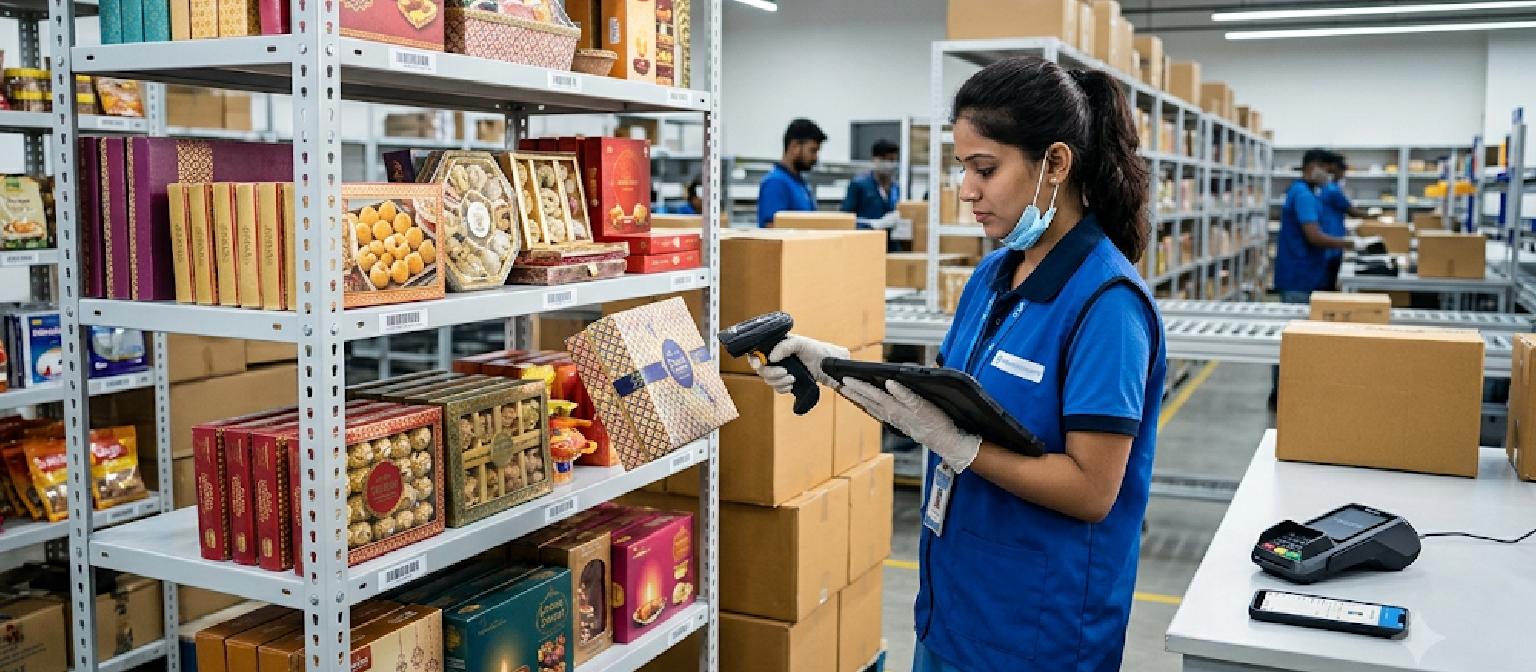
Customers want reassurance after placing an online order. They should know whether the purchase was received, whether payment was successful and what will happen next.
Automated notifications help businesses provide this information without requiring staff to send every update manually. An e-commerce website can trigger messages based on specific order events, such as successful payment, dispatch or delivery.
Order confirmation emails can include the order number, purchased products, payment summary and estimated delivery information. Where appropriate and supported, businesses can also send notifications through WhatsApp or SMS.
The content should be useful, accurate and easy to understand. Avoid sending unnecessary messages or making delivery promises that cannot be fulfilled.
Notifications should also be designed for different situations. A successful order requires a confirmation message, while a failed payment may need a clear explanation and a safe way to retry the transaction.
Keep customer communication consistent across channels. If an order status changes in the website, connected systems should receive the correct information before another notification is sent.
6. Automate Shipping, Dispatch and Delivery Tracking
Once an order is processed and packed, the next challenge is ensuring that it reaches the customer on time. During Diwali, delivery planning becomes especially important because many purchases are intended for gifting or festive celebrations.
Shipping integrations can connect an online store with supported logistics providers. Depending on the provider and integration, businesses may be able to generate shipping labels, share order information, retrieve tracking details and update dispatch status.
Useful shipping automation features include:
- Shipping Label Generation: Create labels using the relevant customer address and parcel information.
- Courier Integration: Send eligible order details to connected logistics services.
- Tracking Updates: Retrieve shipment status and make tracking information available to customers.
- Dispatch Notifications: Inform customers when an order has been handed over to the delivery partner.
- Delivery Status Updates: Communicate relevant delivery progress and completed delivery information.
Businesses should define realistic dispatch timelines and consider festive courier capacity, regional serviceability and non-working days.
For gift orders, customers may need to provide a recipient’s address and contact details. Make sure these details are transferred correctly to the shipping workflow.
Test the integration with different address formats and order types before the campaign begins. Reliable dispatch automation helps reduce manual coordination and gives customers better visibility into their deliveries.
7. Connect Customer Support and Communication Tools
During a festive campaign, customers may ask about product availability, payment status, delivery timelines, returns and order modifications. If the support team handles every question manually, response times can increase during busy periods.
Connecting an online store with customer communication tools can make these interactions easier to manage. Businesses may use email platforms, helpdesk software, CRM systems or approved messaging integrations to organise customer conversations.
A support system can help staff view relevant order information while responding to customer questions. Automated acknowledgement messages can confirm that an enquiry has been received, while predefined responses can help answer common questions.
For example, a customer asking about dispatch can be directed to the appropriate tracking information, while someone asking about a return can receive the relevant policy details.
Automation should not replace human support when a situation requires judgement. Payment disputes, damaged products, incorrect orders and complex delivery problems may need direct assistance from a trained team member.
Businesses should also protect customer information and use communication channels according to applicable privacy and messaging requirements.
Connecting support tools with order data helps create a more organised customer service process throughout the festive season.
8. Use Automated Marketing Workflows to Encourage Repeat Purchases
Online store automation can support marketing activities as well as order fulfilment. Businesses can use suitable marketing platforms to communicate with customers who have agreed to receive promotional messages.
For example, a customer who purchases a Diwali gift hamper may be interested in related products, festive accessories or future seasonal collections. Relevant follow-up communication can help maintain the relationship after the initial order.
Marketing automation can support:
- Welcome Messages: Introduce the store and explain useful shopping information to eligible new subscribers.
- Abandoned Cart Reminders: Remind customers about products left in their cart, subject to suitable consent and platform rules.
- Order-Related Updates: Share relevant information about purchases, dispatch and delivery.
- Post-Purchase Communication: Request genuine feedback or provide useful product-care information after delivery.
- Future Campaign Messages: Share relevant offers and new collections with customers who have opted in.
Separate promotional messages from essential transactional notifications. Customers should be able to understand why they are receiving a message and how to manage their communication preferences.
Use customer data responsibly and avoid sending repeated promotional messages simply because automation makes it easy. Relevant, well-timed communication can support customer relationships without overwhelming recipients.
9. Integrate Analytics and Business Reporting
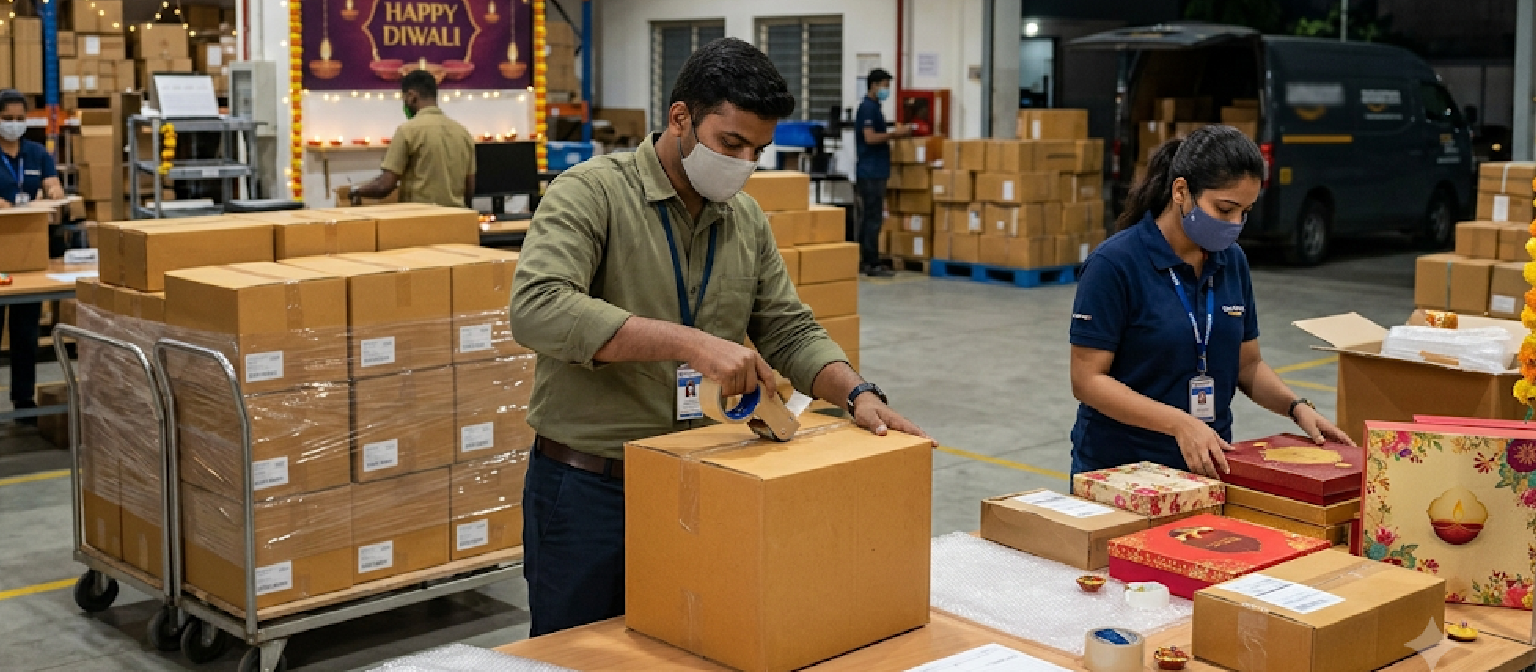
Automation creates useful operational data that businesses can analyse to understand how their online store performs during Diwali. Instead of relying only on manual spreadsheets, store owners can use dashboards and reporting tools to monitor sales and operational activity.
A centralised reporting process can show order volumes, payment statuses, popular products, inventory changes and fulfilment progress. When connected with website analytics, it can also provide information about traffic sources, shopping behaviour and campaign performance.
Important reports to monitor include:
- Sales Reports: Review order volume, revenue, average order value and product performance.
- Payment Reports: Identify successful transactions, failed payments, pending amounts and refund activity.
- Inventory Reports: Monitor stock movement, low-stock products and frequently purchased items.
- Fulfilment Reports: Track pending orders, dispatch delays and delivery progress.
- Marketing Reports: Compare campaign traffic, customer engagement and purchases attributed to marketing activities.
Use consistent reporting definitions so that different systems do not show conflicting information. For example, distinguish between an order being placed and a payment being successfully received.
Review reports regularly during the festive campaign. If a popular product is running low or a payment integration is experiencing errors, timely information can help the team respond before the issue affects more customers.
10. Test Automation Workflows and Prepare for Festive Traffic
An automation system should be tested before a large Diwali campaign begins. Even a small configuration error can affect order processing, payment confirmation, inventory updates or customer notifications.
Start by reviewing every connected system and identifying the events that trigger automated actions. Test successful and unsuccessful payments, duplicate notifications, cancellations, refunds, stock changes and shipping updates.
Check whether the website can handle the expected increase in visitors and transactions. Review hosting resources, caching, database performance and third-party integrations. Monitor any external service limits that could affect payment processing, messaging or shipping operations.
Create a backup and recovery plan for important website data. Ensure that the team knows how to handle situations where an integration becomes unavailable or an automated task fails.
Businesses should also define which activities require manual approval. For example, high-value refunds, unusual orders or disputed transactions may need staff review rather than automatic processing.
Automation should be monitored throughout the campaign, not simply activated and forgotten. Regular checks help identify failures early and keep the online store operating reliably during the festive rush.
Conclusion
Diwali online store automation helps businesses manage increasing festive orders through connected systems for order processing, payments, inventory, shipping and customer notifications. By reducing repetitive manual work, businesses can improve operational accuracy and provide customers with clearer updates throughout the shopping journey.
Successful automation starts with understanding business requirements and selecting integrations that work together reliably. Payment verification, stock synchronisation, customer communication, delivery tracking and analytics should all support a consistent e-commerce process.
At Vipul Pore & Co., we focus on professional e-commerce website development and digital solutions that help businesses build efficient online stores. With the right automation strategy, businesses can manage festive sales more effectively, improve customer experiences and create a stronger foundation for long-term online growth.