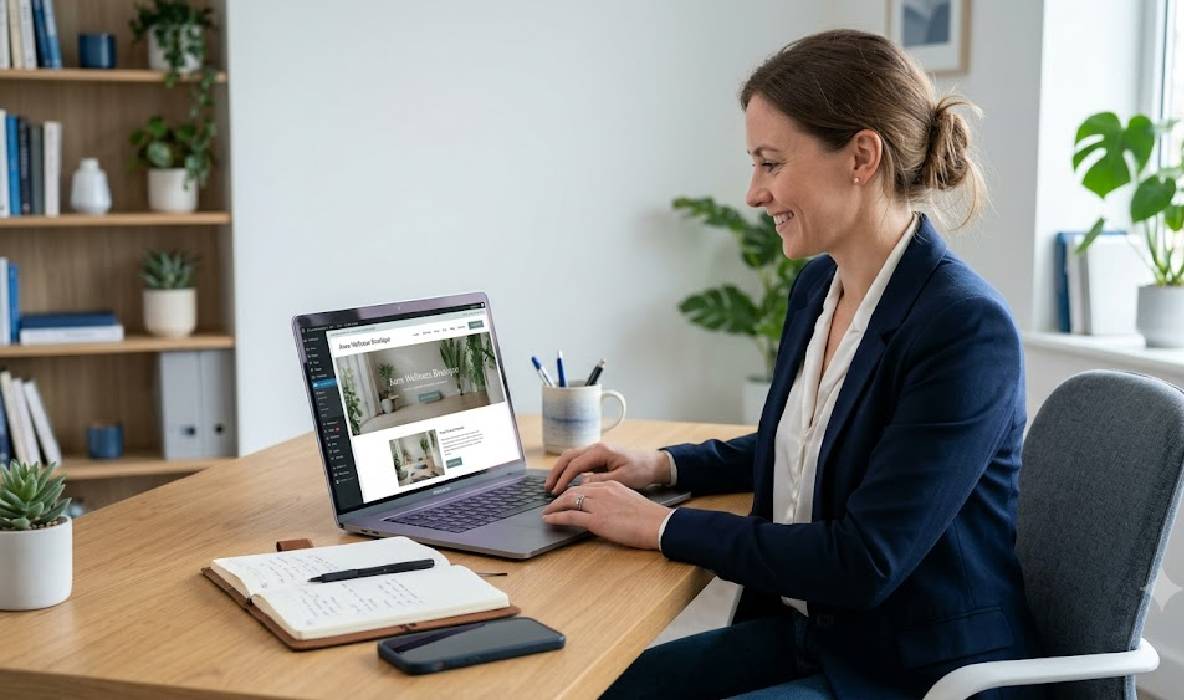
WordPress Website Development for Small Businesses: A Complete Guide
WordPress website development for small businesses is an effective way to establish an online presence, showcase services, attract potential customers, and build long-term brand visibility. Whether you run a local service business, a consultancy, a startup, or a growing company, a professional website can help customers discover your business and understand what you offer.
However, building a successful website involves more than selecting a theme and adding a few pages. Businesses must consider website structure, design, mobile responsiveness, security, performance, search engine optimisation (SEO), and ongoing maintenance.
WordPress is a popular content management system that allows businesses to create and manage websites without needing to code every page from scratch. With the right setup, it can support everything from simple business websites to content-rich platforms and eCommerce stores.
In this guide, we explain how WordPress website development works, which features small businesses should prioritise, and how to build a website that supports business growth.
1. Why Do Small Businesses Need a WordPress Website?
A professional website gives potential customers a place to learn about your business, explore your services, review important information, and contact your team.
Although social media platforms can help businesses reach audiences, relying entirely on third-party platforms means having limited control over the presentation and organisation of your information. A business website provides a central online destination that you can develop according to your goals.
WordPress offers several advantages for small businesses.
- Professional online presence: Present your business information, services, portfolio, and contact details in one place.
- Content management: Publish blog posts, update service pages, and make routine content changes through the dashboard.
- SEO opportunities: Organise pages and content to target relevant search queries.
- Design flexibility: Choose suitable themes and customise layouts to match your brand.
- Room for growth: Add new pages, integrations, and features as your business requirements change.
For example, a web development company can use WordPress to showcase its portfolio, explain its services, publish educational blogs, and collect project enquiries.
The main benefit is flexibility. Your website can begin with essential pages and expand as your business grows.
2. What Is WordPress Website Development?
WordPress website development involves creating, configuring, customising, and maintaining a website using the WordPress content management system.
The process may include selecting hosting, installing WordPress, designing layouts, creating website pages, configuring plugins, setting up forms, implementing SEO basics, and testing the website before launch.
There are two primary versions of WordPress that business owners should understand.
WordPress.org: The open-source WordPress software can be installed on a compatible hosting account. This approach provides greater control over hosting, website files, plugins, themes, and custom development.
WordPress.com: A hosted service that offers different plans and levels of website functionality. Available features depend on the selected plan.
Many businesses seeking extensive control over their website choose self-hosted WordPress through WordPress.org software.
A typical small business website may include a homepage, About page, Services page, portfolio or case studies, blog, and Contact page. Additional functionality can be introduced when it serves a clear business purpose.
3. Plan Your Website Before Starting Development
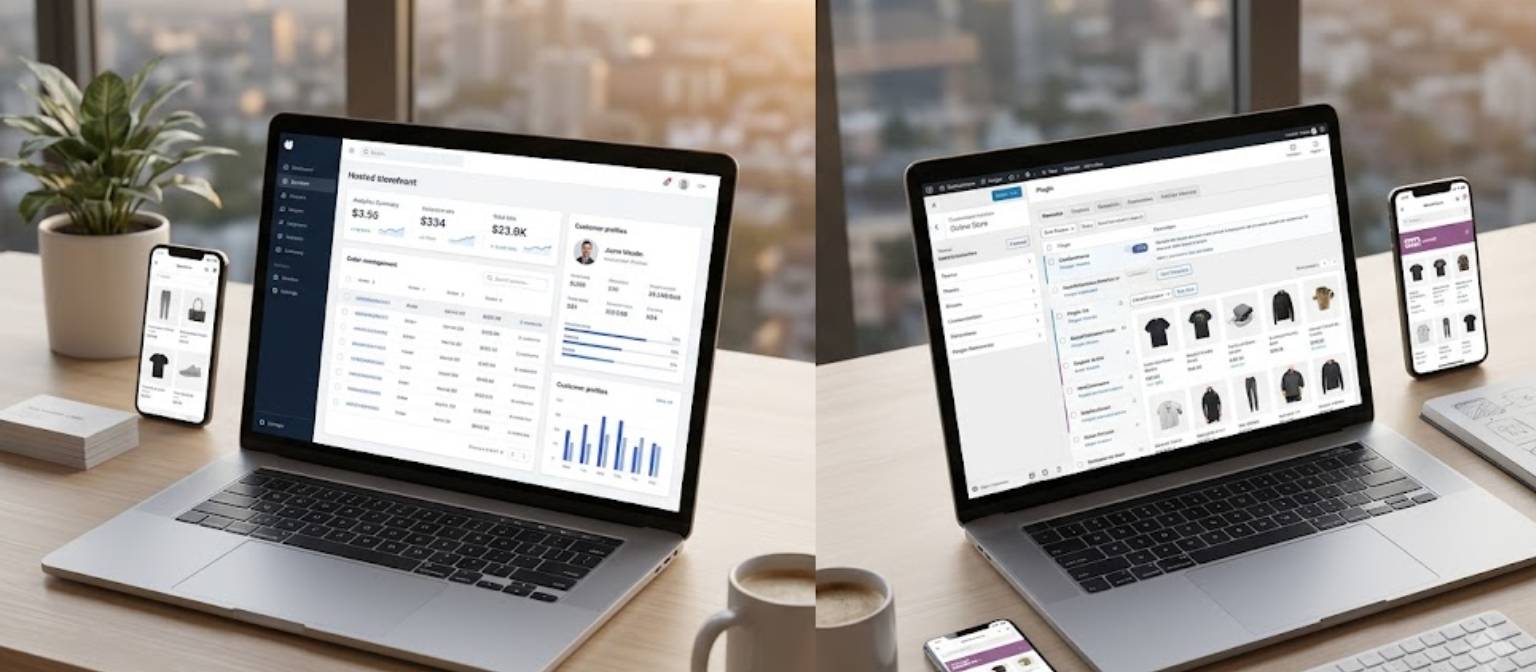
Before installing themes or designing pages, define the purpose of your website. Planning helps prevent unnecessary development work and ensures that the finished website supports your business objectives.
Start by identifying your target audience. Consider what customers want to know before choosing your business, what questions they frequently ask, and what information they need to make a decision.
Next, create a simple website structure.
For example, a professional services business might use the following pages:
- Home: Introduces the business and highlights its main services.
- About Us: Explains the company's background, expertise, and approach.
- Services: Describes each service, its benefits, and relevant deliverables.
- Portfolio: Presents genuine projects and examples of previous work.
- Blog: Answers customer questions and shares useful industry information.
- Contact: Provides enquiry forms and appropriate contact details.
You should also decide which actions you want visitors to take. These may include requesting a quote, booking a consultation, submitting an enquiry, or exploring a service page.
A clear plan creates a better foundation for design, content, navigation, and SEO.
4. Choose the Right Domain Name and Hosting Provider
A domain name is your website’s address, such as yourbusiness.com. Hosting is the service that stores and delivers your website’s files and database to visitors.
Both are important parts of a WordPress website setup.
Choosing a Domain Name
Select a domain name that is easy to remember, relevant to your brand, and straightforward to spell. Check availability before committing to a business name or marketing materials.
A domain should represent your business rather than rely on unnecessary keywords. Exact-match keywords in a domain do not guarantee better Google rankings.
Choosing WordPress Hosting
Hosting providers differ in performance, storage, security features, support, backup options, and pricing.
Before choosing a provider, review:
- WordPress compatibility and supported PHP/database versions.
- SSL support for secure HTTPS connections.
- Backup and restoration options.
- Server performance and available resources.
- Security measures and support availability.
- Renewal costs and upgrade options.
For a small business website, a suitable entry-level hosting plan may be sufficient initially. However, the right choice depends on the website’s traffic, functionality, and performance requirements.
You can build and test a WordPress website locally before purchasing hosting. A local environment is useful for learning and development, but a locally hosted website is not publicly accessible until you deploy it to an appropriate live environment.
5. Select a WordPress Theme and Design Your Website
Your website design influences how visitors perceive your business and how easily they can find information.
WordPress themes provide the foundation for the website’s visual appearance, including layouts, typography, colours, and page templates.
Small businesses should choose a theme that supports their content and functional requirements without introducing unnecessary complexity.
What to Consider When Selecting a Theme
Responsive design: The theme should work properly on desktops, tablets, and smartphones.
Performance: Avoid themes that require excessive scripts, animations, or unnecessary features.
Customisation: Make sure you can adapt the layout, typography, colours, and branding to suit your business.
Compatibility: Check that the theme works with your WordPress version and essential plugins.
Ongoing support: Review the theme’s update history and available documentation.
You can use the WordPress block editor, a compatible page builder, or custom development to create page layouts.
The goal is not to add as many design elements as possible. A clean layout, consistent branding, readable content, clear navigation, and well-placed calls to action are usually more useful than an overcrowded design.
6. Install Essential Plugins Without Slowing Down Your Website
Plugins extend WordPress functionality. They can help you create forms, optimise content for search engines, improve security, generate backups, and add other features.
However, installing too many plugins can increase maintenance requirements and introduce compatibility or performance problems.
Choose plugins based on specific requirements rather than installing every tool you encounter.
Useful plugin categories for small businesses include:
- SEO: Manage metadata, sitemaps, and other supported optimisation features.
- Forms: Allow visitors to submit enquiries or request quotations.
- Backups: Create recoverable copies of website files and databases.
- Security: Support appropriate protection and monitoring measures.
- Performance: Assist with caching, image optimisation, or other performance tasks where suitable.
- Analytics: Help measure website traffic and user interactions when configured correctly.
Before installing a plugin, review its features, compatibility, update history, support, and privacy implications.
Avoid installing multiple plugins that perform the same function. Keep your plugin list focused and remove tools that are no longer needed.
7. Make WordPress Website Development SEO-Friendly
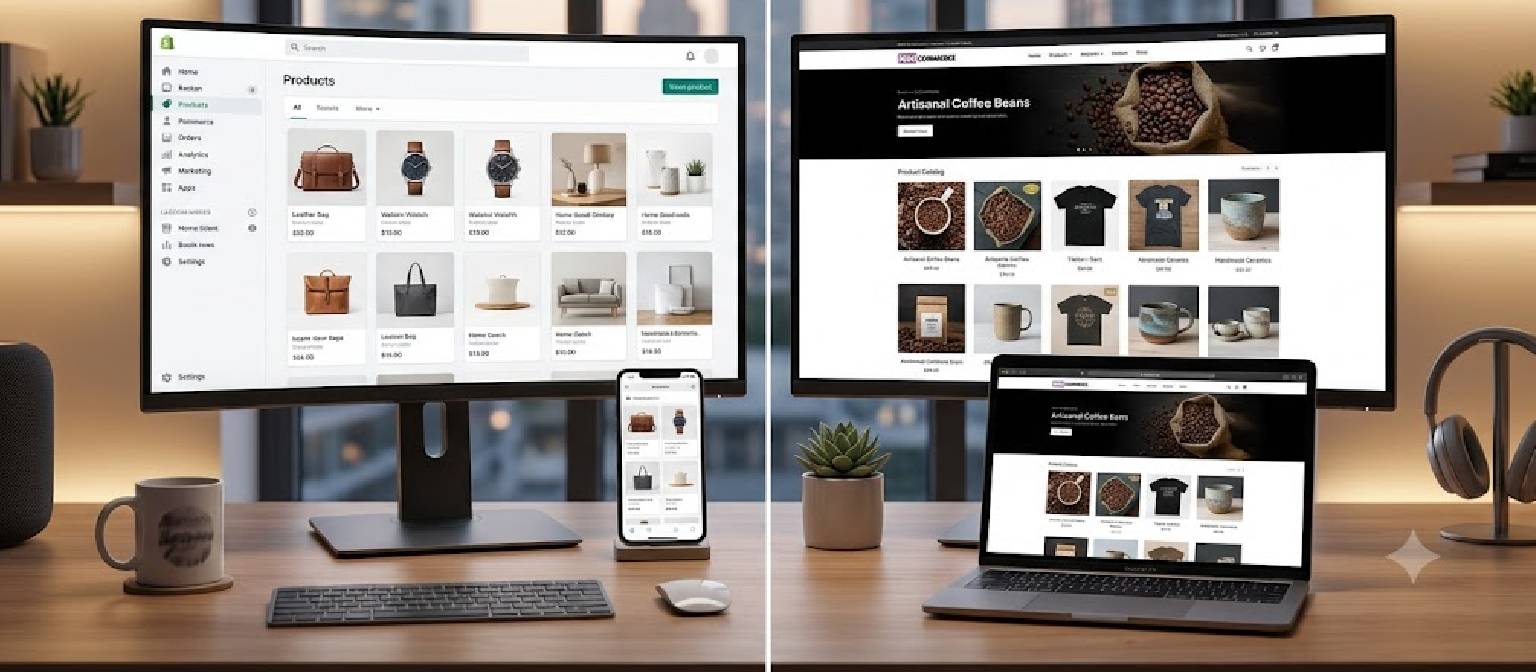
Search engine optimisation helps search engines understand your website and can improve its visibility for relevant searches.
SEO should be considered during website development rather than added only after the site is launched.
For small businesses, the process begins with understanding what potential customers search for when looking for the products or services you offer.
For example, a business serving customers in Mumbai may create a dedicated service page targeting a relevant local search term, provided the page offers useful information and accurately reflects the business’s service area.
Important WordPress SEO practices include:
- Keyword research: Identify relevant terms that match your services and customer intent.
- Page titles and meta descriptions: Write unique, descriptive metadata for important pages.
- Logical URLs: Use short, readable URLs that accurately describe page content.
- Heading structure: Organise content with meaningful headings.
- Internal linking: Connect related service pages and blog posts.
- Image optimisation: Compress images and write descriptive alt text when images convey information.
- XML sitemap: Make your sitemap available to search engines where appropriate.
- Indexing checks: Ensure important pages can be crawled and indexed.
- Mobile usability: Make content and navigation easy to use on smaller screens.
Tools such as Google Search Console can help monitor indexing and search performance, while an SEO plugin can simplify some on-page tasks.
Remember that installing an SEO plugin alone does not guarantee rankings. Helpful content, technical quality, competition, and ongoing improvements all influence organic visibility.
8. Build a Mobile-Friendly and Fast WordPress Website
Many potential customers visit business websites using smartphones. A mobile-friendly website helps visitors read content, navigate pages, and complete forms without unnecessary difficulty.
Responsive design allows the layout to adapt to different screen sizes, but responsiveness alone does not guarantee good performance.
Your development process should include testing the website on mobile and desktop devices.
Check that:
- Text is readable without zooming.
- Navigation menus work correctly.
- Buttons have sufficient space for tapping.
- Forms are easy to complete.
- Images display correctly at different sizes.
- Important content appears without excessive delays.
Website speed also matters for usability. Large images, excessive scripts, poorly configured plugins, and unsuitable hosting can slow down pages.
Compress images, use appropriately sized files, avoid unnecessary animations, and assess caching options compatible with your hosting setup.
You can use Google PageSpeed Insights to review performance and Core Web Vitals. Test important pages rather than relying on the score of a single URL.
A fast website is not created by one plugin alone. It usually requires a combination of suitable hosting, efficient design, optimised media, and careful technical configuration.
9. Add Essential Business Features and Contact Options
A small business website should make it easy for visitors to understand your services and contact you.
The features you need will depend on your industry, customer expectations, and business processes.
Contact and Enquiry Forms
Use forms to collect relevant information from potential customers. Keep the number of required fields reasonable and explain what happens after submission.
Test the form to ensure that submissions reach the intended email address or system.
Clear Calls to Action
Add relevant calls to action, such as “Request a Quote”, “Book a Consultation”, or “Contact Our Team”.
Place them where visitors are likely to need the next step, including relevant service pages and the homepage.
WhatsApp or Click-to-Call Links
Depending on your audience, you may add a WhatsApp link or a clickable phone number to simplify communication. Only display contact details that the business intends to make public.
Testimonials and Portfolio
Genuine testimonials, case studies, and project examples can help visitors assess your experience. Use accurate information and obtain appropriate permission before publishing customer details or images.
Analytics and Conversion Tracking
Analytics tools can help you understand which pages attract visitors and whether users complete important actions. Configure tracking in line with applicable privacy requirements and your consent practices.
Every feature should serve a clear purpose. Avoid adding integrations that create maintenance work without improving the customer experience.
10. Secure Your WordPress Website and Maintain It Regularly
Website security is an ongoing responsibility. Even a small business website may collect enquiries, store customer information, or depend on third-party integrations.
A suitable security and maintenance routine helps reduce risks and makes it easier to recover from technical problems.
Important practices include:
- Use strong, unique passwords and enable two-factor authentication where available.
- Give users only the access permissions they need.
- Keep WordPress, themes, and plugins updated.
- Remove inactive themes and unnecessary plugins.
- Maintain regular backups and test restoration procedures.
- Use HTTPS with a properly configured SSL certificate.
- Monitor suspicious activity and review security alerts.
- Protect forms against spam and abuse.
- Maintain a documented recovery plan.
Backups should be stored in a location that remains accessible if the primary hosting account experiences a problem.
Before applying major updates to a business-critical website, consider testing them in a staging environment.
Security plugins can help, but they do not replace good account practices, reliable hosting, software updates, and a tested backup strategy.
Conclusion
WordPress website development for small businesses provides a flexible way to establish a professional online presence and create a foundation for digital growth.
By planning your website structure, selecting a suitable theme, using essential plugins, implementing SEO basics, improving mobile performance, and maintaining security, you can build a website that supports your business objectives.
The most effective approach is to start with the features your customers genuinely need and expand as your requirements grow. A clear, reliable, and easy-to-use website can help visitors understand your services, explore your work, and contact your business.
If you are planning a new business website or looking to improve an existing WordPress website, visit VipulPore.com to explore website development services and discuss your project requirements.