Introduction
WordPress is one of the most widely used website platforms because it allows businesses to manage website content without requiring extensive technical knowledge. Traditionally, WordPress handles both the backend content management system and the frontend website that visitors see. However, modern web development offers another approach known as Headless WordPress.
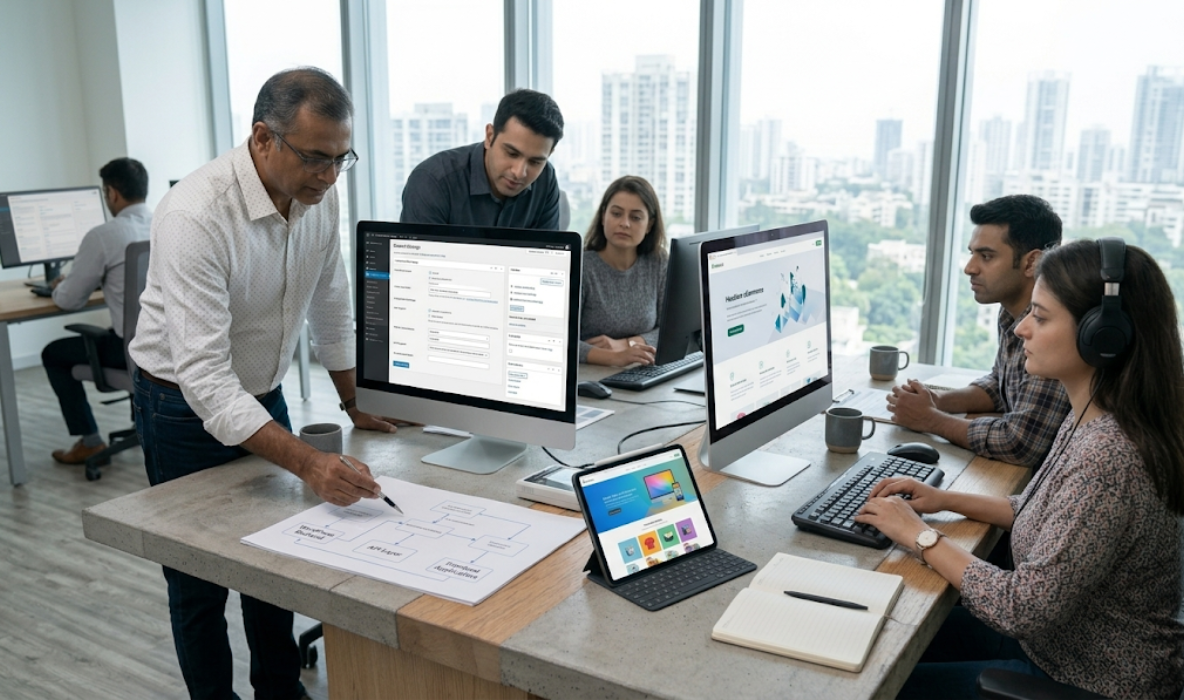
Headless WordPress separates the content management system from the frontend presentation layer. WordPress continues to manage pages, posts, images, and other content, while a separate frontend application displays that information to visitors. The two systems communicate through APIs, allowing developers to create customised digital experiences using technologies such as React, Next.js, or Vue.js.
This architecture gives businesses additional flexibility when building websites that need advanced performance, multiple digital channels, or highly customised interfaces. For example, a company can manage its content through WordPress while delivering it through a website, mobile application, or other connected digital platform.
What Is Headless WordPress and How Does It Work?
Headless WordPress is a website development architecture in which WordPress manages website content while a separate frontend application controls how that content is displayed.
In a traditional WordPress website, the backend and frontend are connected. When an administrator creates a page or publishes a blog post, WordPress stores the content and uses its theme system to generate the webpage visitors access.
With Headless WordPress, this process is separated into two independent layers.
The backend continues to use WordPress for content management, media uploads, user permissions, and publishing workflows. The frontend is developed separately using a JavaScript framework or another suitable technology.
How Headless WordPress Architecture Works
Headless WordPress uses separate technologies for managing content and displaying it.
Each component performs a specific function within the overall website architecture.
- WordPress backend: Stores pages, posts, media, categories, user accounts, and other content-related information.
- REST API: Allows external applications to request structured WordPress content through standard HTTP requests.
- GraphQL integration: An optional approach using tools such as WPGraphQL to request specific content fields and relationships.
- Frontend framework: Technologies such as React, Next.js, or Vue.js create the visible website experience.
- Content delivery: The frontend retrieves content from WordPress and displays it through the appropriate page templates and components.
The architecture can support different rendering approaches, including static generation, server-side rendering, and client-side rendering.
Benefits of Using Headless WordPress for Businesses
Headless WordPress can provide several advantages for businesses that require customised digital experiences, flexible content distribution, and greater frontend control.
Greater Frontend Flexibility
Developers can build the website using a frontend framework that suits the project’s requirements. They are not restricted to traditional WordPress themes and can create highly customised interfaces.
Custom Website Experiences
Businesses can develop unique page layouts, interactive components, and specialised user journeys without depending entirely on conventional WordPress theme structures.
Independent Frontend and Backend Development
Frontend developers can work on the presentation layer while content managers continue managing information through WordPress. This separation can improve development workflows when teams and responsibilities are clearly organised.
Headless WordPress vs Traditional WordPress: Key Differences
Traditional WordPress and Headless WordPress both use the WordPress content management system, but their development architecture and operational requirements are different.
- Frontend architecture: Traditional WordPress uses its theme system, while Headless WordPress uses a separate frontend application.
- Development technologies: Traditional websites commonly use PHP, WordPress themes, HTML, CSS, and JavaScript. Headless projects may use React, Next.js, Vue.js, or other frontend technologies.
- Content management: Both approaches can use the familiar WordPress administration dashboard.
- Design flexibility: Headless architecture provides greater freedom for building completely customised frontend experiences.
- Development complexity: Traditional WordPress is generally easier to set up, while Headless WordPress requires additional frontend and API development.
The correct choice depends on business requirements. A standard service website may work perfectly with traditional WordPress, while a complex digital platform may benefit from the flexibility of a headless architecture.
Performance, Speed, and SEO Considerations
Website performance is one of the main reasons businesses explore Headless WordPress, but separating the frontend and backend does not automatically make a website faster.
A headless architecture allows developers to choose how content is rendered and delivered. For example, static site generation can prepare pages in advance, reducing the amount of work required when visitors request them. Server-side rendering can generate pages dynamically when content or user-specific information needs to be delivered at request time.
Content delivery networks, image optimisation, caching, and efficient frontend code can further improve performance.

Limitations and Challenges of Headless WordPress
Although Headless WordPress provides development flexibility, it also introduces challenges that businesses should understand before choosing this architecture.
Higher Initial Development Cost
A headless website requires separate frontend development and backend configuration. This usually involves additional planning, development time, testing, and deployment work.
More Technical Expertise
Developers need knowledge of WordPress, APIs, frontend frameworks, hosting, and modern deployment processes. Finding a team with experience across all these areas may require additional investment.
Plugin Compatibility Limitations
Some WordPress plugins rely on the traditional theme environment or frontend PHP functionality. These features may not work automatically when the frontend is separated.
When Should Businesses Choose Headless WordPress?
Headless WordPress is not necessary for every business website. It is most useful when the business has specific technical requirements that justify separating content management from frontend delivery.
- Multiple digital platforms: Businesses that want to publish content across websites, mobile applications, and other digital channels may benefit from a shared content management system.
- Highly customised user experiences: Projects requiring specialised frontend interactions or complex application-like interfaces may benefit from independent frontend development.
- Large content platforms: Publishing businesses managing extensive content libraries and multiple digital experiences may need a more flexible content delivery architecture.
- Complex integrations: Businesses connecting WordPress with external applications, customer systems, or specialised services may benefit from API-based communication.
- Independent development teams: Organisations with separate backend and frontend teams may find the architecture useful for coordinating development responsibilities.
- Custom e-commerce experiences: Some businesses may require highly customised storefronts while maintaining WordPress as their content management platform.
Before making the decision, businesses should identify the actual problem that traditional WordPress cannot solve efficiently.
Headless WordPress Development Cost in India in 2026
The cost of developing a Headless WordPress website depends on its frontend design, content structure, integrations, API requirements, hosting infrastructure, and overall complexity.
Unlike a standard WordPress website, headless development requires planning and building two connected systems. Businesses should therefore consider both the WordPress backend and the separate frontend application when preparing a budget.
For businesses in India, the following figures are broad planning estimates rather than fixed quotations.
How to Build a Headless WordPress Website: Development Process
Developing a headless WordPress website requires a structured process that connects content management, API communication, frontend design, and hosting infrastructure.
Step 1: Define Website Requirements
Identify the website’s purpose, target audience, required pages, content types, integrations, and performance expectations. Determine why a headless architecture is necessary.
Step 2: Configure the WordPress Backend
Install WordPress and configure content types, categories, media, user permissions, and publishing workflows. Organise content so it can be delivered through the required APIs.
Step 3: Select the Frontend Framework
Choose an appropriate framework such as Next.js, React, or Vue.js. The selection should consider development expertise, project requirements, rendering strategy, and long-term support.
Headless WordPress vs Traditional WordPress: How to Make the Right Decision
Choosing between headless and traditional WordPress requires understanding the business’s current needs and future plans. The most advanced architecture is not always the most suitable solution.
Consider the following factors before making a decision:
- Website purpose: Standard corporate and service websites may work efficiently with traditional WordPress, while complex digital platforms may need headless architecture.
- Available development budget: Compare initial development, hosting, integrations, and ongoing maintenance costs.
- Team capabilities: Consider whether your organisation has access to developers experienced in WordPress, APIs, and modern frontend frameworks.
- Plugin requirements: Check whether essential WordPress plugins can operate correctly in a headless environment.
- Content management needs: Determine how editors will create, preview, approve, and publish content.
- Performance requirements: Evaluate actual speed and rendering requirements instead of assuming headless development is automatically faster.
For most small and medium-sized businesses, traditional WordPress remains a practical option because it is easier to manage and generally more cost-effective for standard website requirements.
Conclusion
Headless WordPress provides businesses with a flexible way to separate content management from frontend website development. It allows WordPress to manage content while modern frontend frameworks deliver customised digital experiences through APIs.
This architecture can be useful for businesses that require multiple digital channels, specialised interfaces, advanced integrations, or greater frontend control. However, it also introduces additional development costs, technical requirements, hosting considerations, and maintenance responsibilities.
Traditional WordPress remains an excellent choice for many corporate websites, service businesses, blogs, and standard e-commerce projects. Businesses should consider headless development only when its benefits clearly justify the additional complexity.