Introduction: Why Website Accessibility Matters in 2026
A business website is often the first point of contact between a company and its customers. People use websites to explore services, compare products, make purchases, submit enquiries, and find important information. However, not every visitor experiences a website in the same way.
Some visitors use screen readers to understand website content. Others navigate using only a keyboard, increase text size, use voice commands, or rely on captions to understand videos. Temporary situations, such as a broken arm, poor lighting, or a noisy environment, can also affect how someone interacts with a website.
When a website is designed without considering these different needs, visitors may struggle to access important information or complete essential actions.
Website Accessibility 2026 is about making websites easier to perceive, understand, navigate, and use for as many people as possible. It involves thoughtful design, accessible content, proper development practices, and regular testing.
What Is Website Accessibility?
Website accessibility means designing and developing websites so that people with different abilities can access and interact with their content and features.
An accessible website considers users who may have:
- Visual disabilities, including blindness, low vision, or colour vision deficiencies.
- Hearing disabilities that affect access to audio content.
- Motor disabilities that make mouse use or precise movements difficult.
- Cognitive or learning disabilities that affect how information is processed.
- Temporary limitations caused by injury, illness, or environmental conditions.
Accessibility also benefits people who do not identify as having a disability. For example, captions can help someone watching a video in a noisy environment. Clear navigation can help a first-time visitor understand a website more quickly. Larger buttons can make mobile browsing easier for almost everyone.
Understand WCAG Guidelines for Website Accessibility
The Web Content Accessibility Guidelines, commonly known as WCAG, provide an internationally recognised framework for making web content more accessible.
WCAG is developed by the World Wide Web Consortium (W3C). It explains how website content and functionality can be made more accessible to people with disabilities.
WCAG is organised around four key principles, often remembered through the acronym POUR.
Perceivable
Website information should be presented in ways users can perceive.
Examples include providing alternative text for meaningful images, captions for videos, and sufficient contrast between text and its background.
Operable
Website features should be usable through different interaction methods.
Examples include keyboard navigation, visible focus indicators, and controls that do not require precise mouse movements.
Understandable
Website content and navigation should be clear and predictable.
Examples include consistent menus, readable instructions, and helpful form error messages.

Improve Website Readability and Content Structure
Website content should be easy to read, understand, and navigate. Visitors should not have to struggle with long paragraphs, confusing headings, or complicated language to find important information.
Businesses can improve content accessibility through the following practices:
- Use clear headings: Organise content with meaningful heading levels.
- Keep paragraphs manageable: Break large blocks of text into shorter sections.
- Use descriptive links: Explain where a link leads instead of using vague phrases such as “click here.”
- Write simple instructions: Use direct language when explaining forms, services, and important actions.
- Create meaningful lists: Use proper bullet or numbered lists when presenting related information.
- Avoid unnecessary jargon: Explain technical terms when they are important to the audience.
For example, a service page should have a clear main heading, relevant subheadings, concise descriptions, and a visible enquiry option.
Make Website Navigation Accessible
Navigation helps visitors understand where they are and how to move through a website. If menus are confusing or difficult to operate, users may struggle to find important information.
Accessible navigation should work with a mouse, keyboard, touch screen, and assistive technologies.
A business website should provide a predictable navigation structure. Menus should use meaningful labels, related pages should be grouped logically, and visitors should be able to identify their current location.
Dropdown menus should not disappear unexpectedly when a visitor moves the keyboard focus. They should also provide a clear way to open and close the menu.
Accessible navigation improves the browsing experience for visitors who use different devices and interaction methods.
Use Accessible Colours, Typography, and Visual Design
Visual design affects how easily visitors can read and interact with a website. Colour contrast, font size, spacing, and layout should be considered carefully.
Consider these design practices:
- Maintain sufficient contrast: Make sure text stands out clearly from its background.
- Use readable font sizes: Avoid unnecessarily small body text.
- Choose suitable fonts: Use fonts that remain clear at different sizes and support the required characters.
- Provide enough spacing: Keep paragraphs, links, and controls visually separated.
- Do not rely only on colour: Use labels, icons, or patterns to communicate important information.
- Make controls easy to identify: Buttons and links should look interactive.
WCAG includes contrast requirements for text and certain interface components. Designers should check actual colour combinations rather than relying only on visual judgement.
Make Forms and Calls to Action Accessible
Forms are important for business websites because they allow visitors to submit enquiries, request quotations, register for services, and complete purchases.
An inaccessible form can prevent a visitor from completing an important task, even when the rest of the website is easy to use.
Accessible forms should clearly explain what information is required and help users correct mistakes.
A form should also preserve information when an error occurs, so visitors do not need to enter everything again.
For ecommerce websites, accessible checkout steps are particularly important. Visitors should be able to review their details, understand payment instructions, and identify any errors before completing the transaction.

Add Alternative Text and Accessible Multimedia
Alternative text helps people using screen readers understand meaningful images. Captions and transcripts can make audio and video content more accessible to people who are deaf or hard of hearing, as well as visitors who cannot play sound.
Businesses should review the media used across their websites.
Alternative Text for Images
Alternative text should explain the purpose or relevant content of an image.
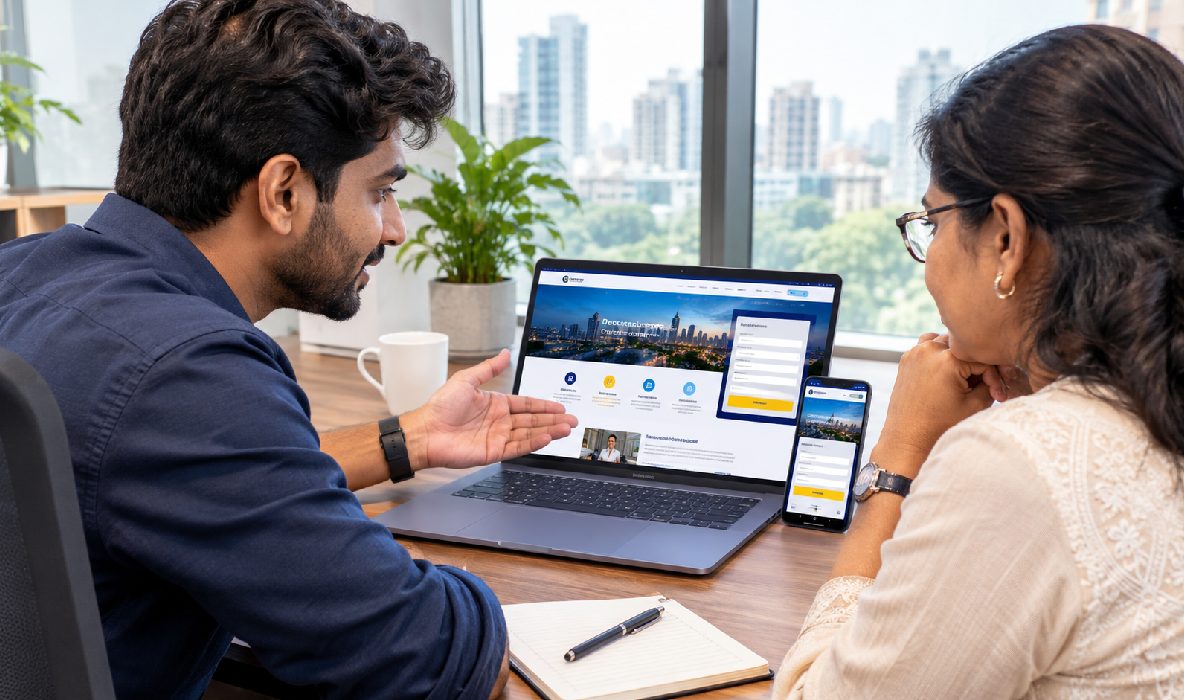
For example, an image showing a web developer working with a business owner could use descriptive alt text that communicates the scene.
Decorative images that do not provide meaningful information may use empty alternative text so screen readers can skip them.
Avoid using alt text as a place to insert unrelated keywords. It should describe the image naturally and accurately.
Captions and Transcripts
Videos containing speech should provide accurate captions. Important audio information should also be available in a text format when appropriate.
A transcript can help visitors review the information without playing the recording.
Accessible Audio and Video Controls
Media players should provide controls that can be operated using a keyboard. Avoid videos that start playing sound automatically without a clear way to stop or control them.
Accessible media helps businesses communicate information through different formats without excluding visitors.
Test Website Accessibility on Desktop and Mobile
Accessibility testing helps identify barriers that may not be visible during ordinary browsing.
A practical accessibility testing process includes:
- Keyboard testing: Navigate through the website without using a mouse.
- Screen reader testing: Check how important content and controls are announced.
- Zoom testing: Increase text size and browser zoom to identify layout problems.
- Contrast testing: Review text and interface colour combinations.
- Mobile testing: Check navigation, forms, buttons, and content on smaller screens.
- Form testing: Confirm that labels, instructions, and error messages work correctly.
A combination of automated checks, manual testing, and feedback from users with disabilities provides a more reliable understanding of accessibility.
Conclusion: Make Website Accessibility Part of Your Digital Strategy
Website accessibility is an important part of building a useful and inclusive digital experience in 2026.
A website should allow visitors to access information, navigate pages, understand content, and complete important actions without unnecessary barriers. This requires more than a visually attractive layout. It involves accessible content, thoughtful interaction design, semantic development, and regular testing.
Businesses can begin by reviewing their most important pages and identifying common accessibility issues. Improving navigation, text contrast, image descriptions, forms, and mobile usability can make a meaningful difference.
For businesses using WordPress, accessibility should be considered during theme selection, page builder configuration, plugin integration, and content management.
The goal is not simply to add an accessibility feature or complete a checklist. It is to create a website that works better for real people with different needs and preferences.